Exploring Panels
Presented by Jason Bell
at Fox Valley Drupal on
Jason Bell
I build pieces of the web at Start Interaction.
I occasionally tweet random thoughts or occasional snark as @j_bell and work on Drupal as jason.bell
I help organize Fox Valley Drupal.
I love Panels!
Dependencies
Chaos tools is required to enable Panels.
Page Manager is required to make Panels useful.
Patience is required to make the most of Panels.
Chaos tool suite
http://drupal.org/project/ctools
If you use Views, this is already installed
- Plugins
- Exportables
- AJAX responder
- Form tools
- Object caching
- Contexts
- Modal dialog
- Dependent
- Content
- Form wizard
- CSS tools
Page Manager
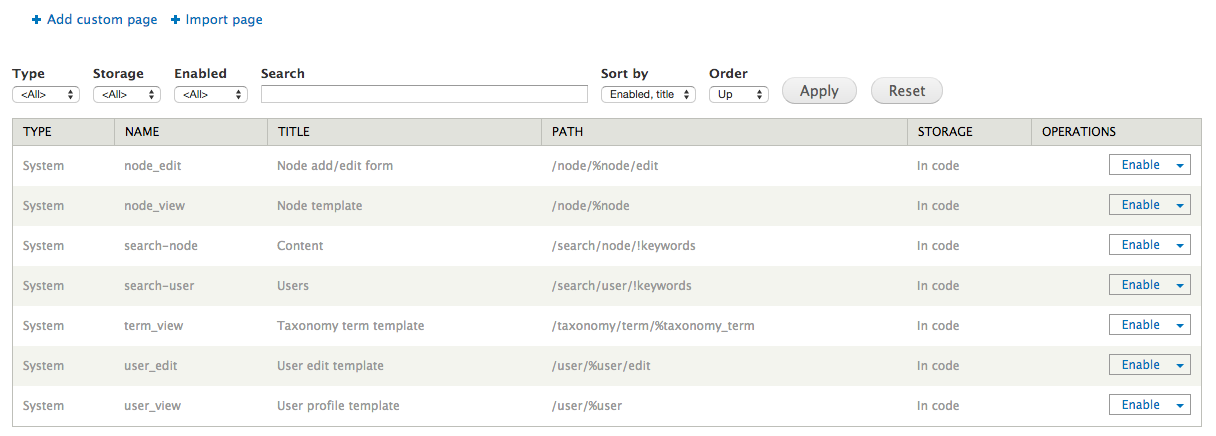
Basically this is a graphic user interface to hook_menu that allows you to create new paths or take over existing system paths.
Panels
http://drupal.org/project/panels
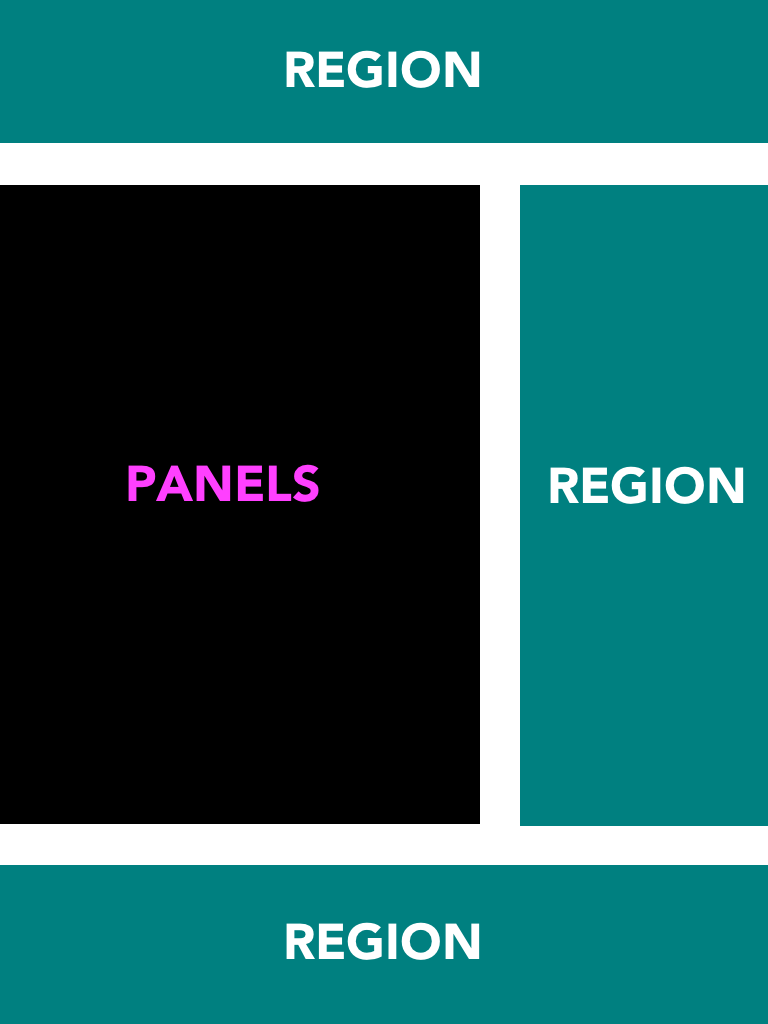
At its core it is a drag and drop content manager that lets you visually design a layout and place content within that layout.
What does Panels do?
A little documentation should go here, but Panels 3 is also a beast
What does Panels do?
- Panels is a page rendering handler used within Page Manager.
- Panels essentially replaces the theme rendering function of a given entity.
- Panels replaces the
$page['content']variable in your template.
Demo
Layout Plugins
Provide your own custom layout within your theme.
theme.info
We need to tell our theme that it is providing layout plugins to Panels and where to find them within our theme directory.
; ========================================
; Panels & Page Manager
; ========================================

plugins[panels][layouts] = 'plugins/layouts'
Custom Layout
Custom layout plugins are easy to create. Don’t fear the .inc file.
- layout.inc
- layout.png
- layout.tpl.php
- layout.css
Style Plugins
theme.info
We need to tell our theme that it is providing style plugins to Panels and where to find them within our theme directory.
; ========================================
; Panels & Page Manager
; ========================================

plugins[panels][layouts] = 'plugins/layouts'
plugins[panels][styles] = 'plugins/styles'
Custom Style
Custom style plugins are not as easy to create, but are also not so difficult.
- style.inc
Semantic Panels
http://drupal.org/project/semantic_panels
It's a CTools style plugin that gives you full control over the HTML output of Panels panes.
Custom Content Panes
The module ctools_custom_content is a sub-module in Ctools.
Create custom, exportable, reusable content panes for applications like Panels.
Fieldable Panels Panes
http://drupal.org/project/fieldable_panels_panes
Fieldable Panels Panes creates custom, reusable content panes that include custom fields.
Cool.
I’d like that flexibility everywhere please.
Panels Everywhere
http://drupal.org/project/panels_everywhere
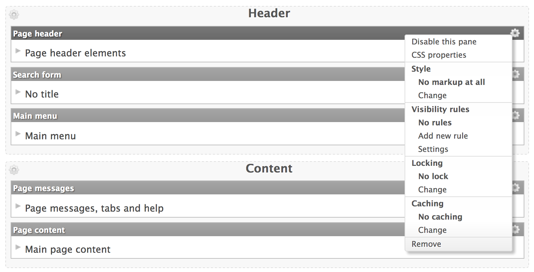
Panels Everywhere is an advanced method to completely do away with Drupal's restrictive blocks system and instead use the much more freeing Panels Layout system to control how your pages look. Panels Everywhere modifies the page as it is being rendered to 'wrap' the content in a display and can even take over your page theme to do away with the need for a page.tpl.php.
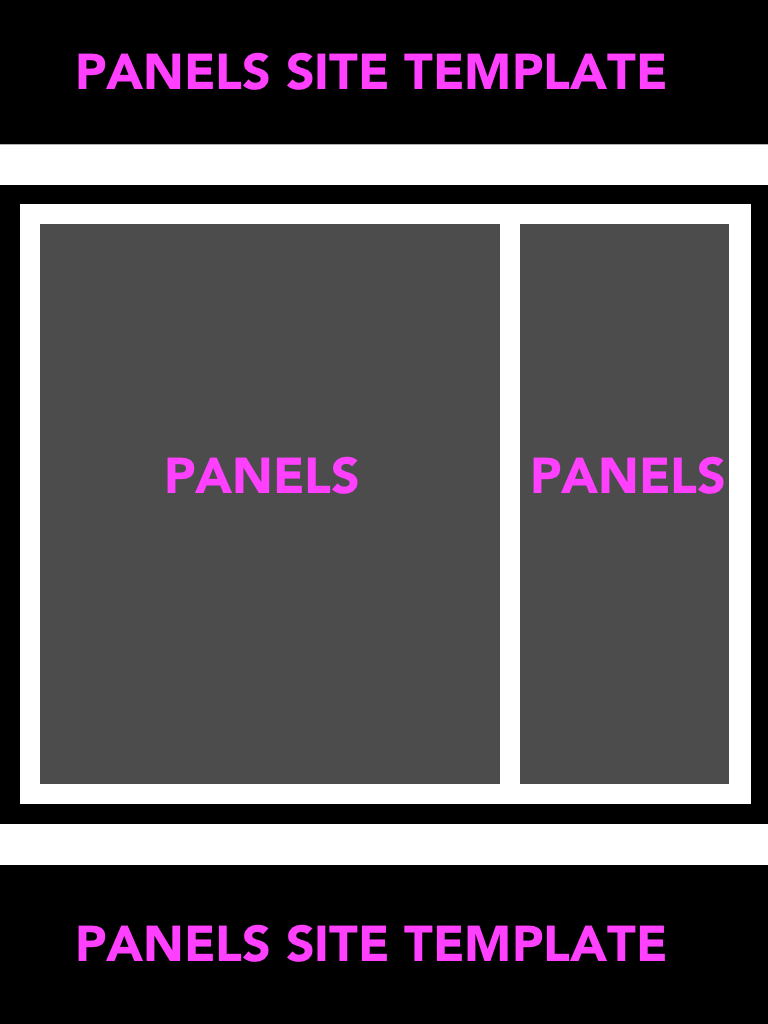
Typical Site Template
- Site Header
- Site Content
- Site Footer
Cool.
My clients will never understand any of that.
Yep. And they shouldn’t have to for the most part.
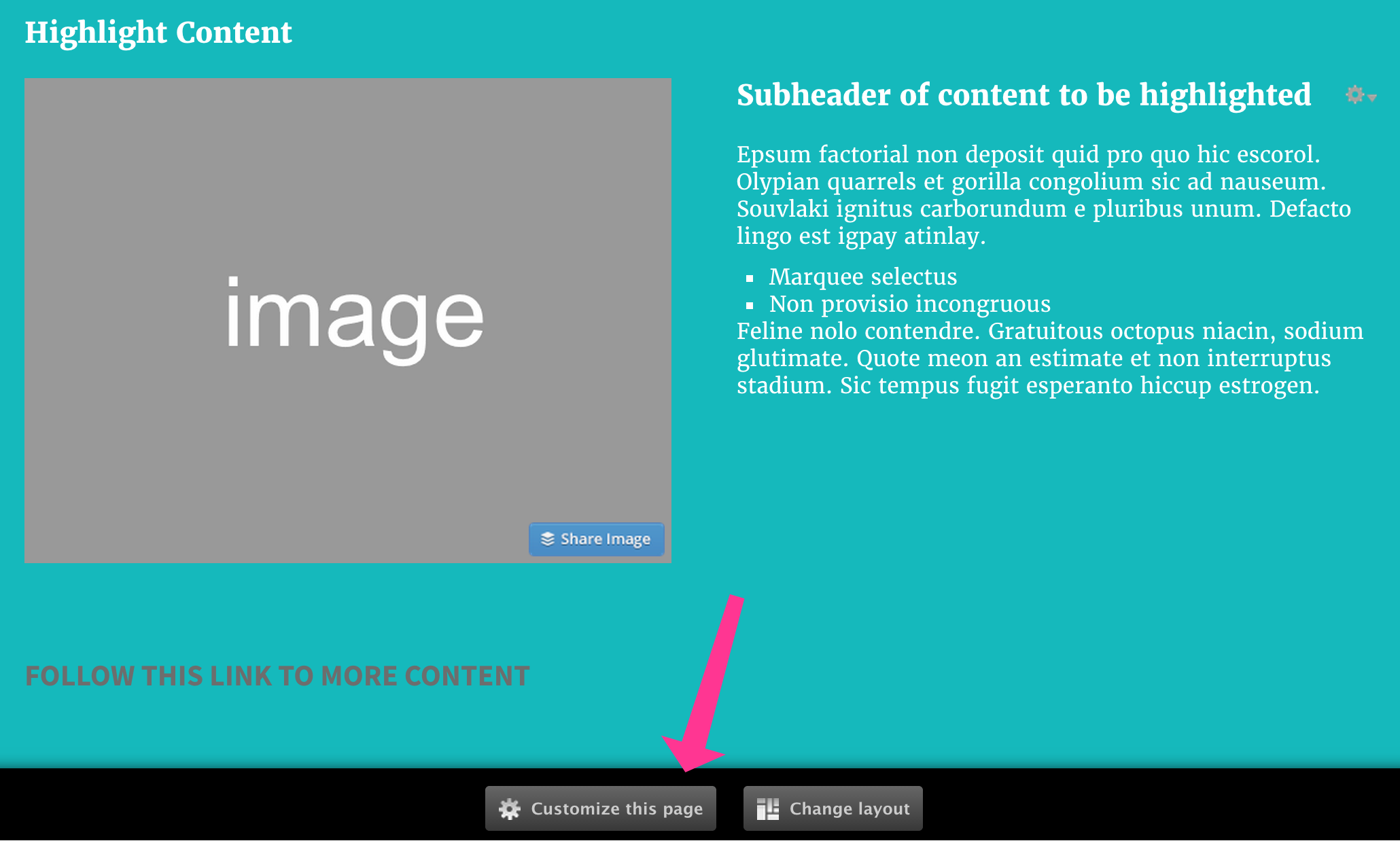
Panels IPE
This is a sub-module in Panels.
More Panels?
There are many more little tricks and modules out there
Panelizer
Provides a default layout and content placement for enityt bundles that can be overriden on a per-content basis.
Like… all articles should look like this by default, but sometimes we might want to change the layout of an article.